
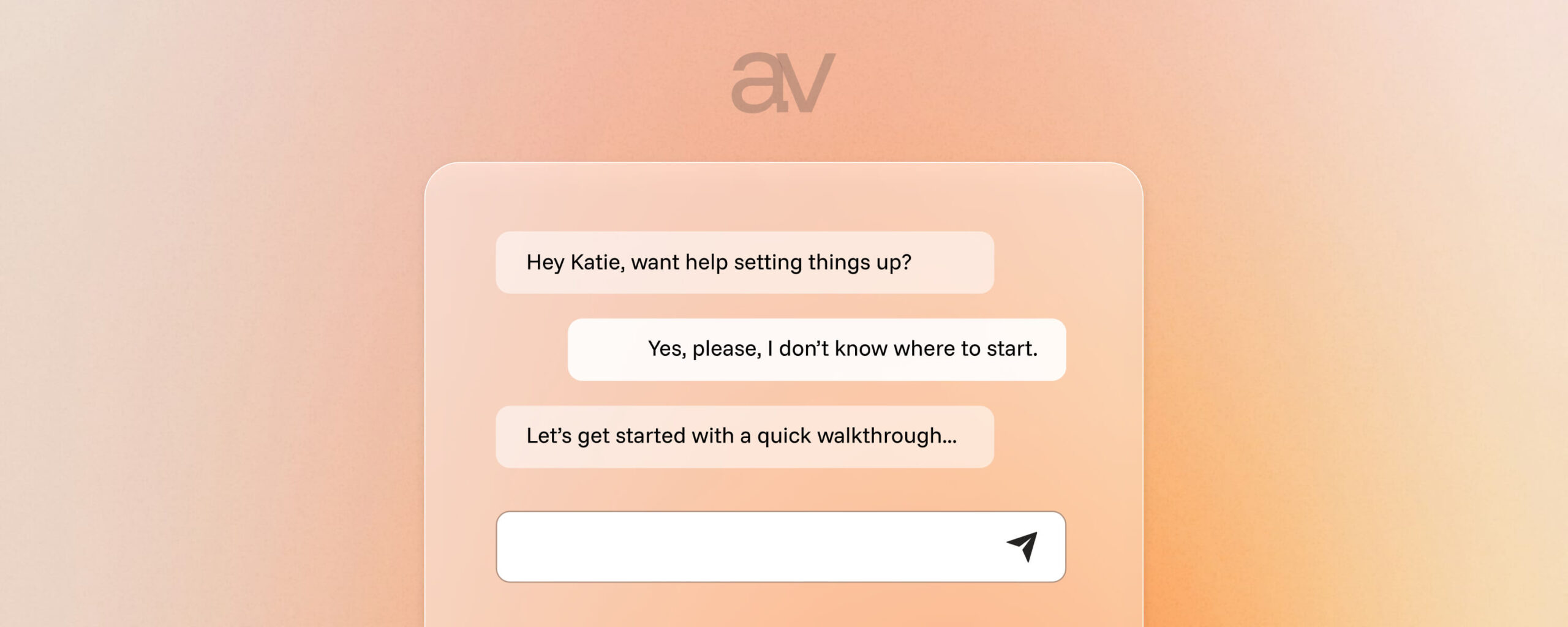
Customer support is one of the most resource-draining parts of running a digital product business.
While it’s critical for user success, not every question needs a human response. So earlier this year, we challenged ourselves to cut our support load in half without sacrificing quality or hiring more people.
So far, we’re succeeding.
It all came down to a smart, well-structured DocsBot AI setup that now handles a huge chunk of repetitive queries, instantly and accurately.

In this post, we’ll walk you through how we did it, the tools we used, and how you can build something similar for your own business.
Why We Needed DocsBot in the First Place
Our support team (shoutout to Hendra) was drowning in the same types of tickets:
- “Where can I find my license key?”
- “Why is the import failing for some sources?”
- “How do I update my plan?”
These were somewhat expected questions from time to time, but also repetitive, already covered in our documenation, and frankly, not the best use of our support team’s time.
We needed:
- Faster answers for users
- Fewer repetitive tickets for our team
- A scalable solution that respected both our tech stack and our tone of voice
We’d already reviewed DocsBot on WP Mayor, so we knew its potential. Now it was time to put it to work.
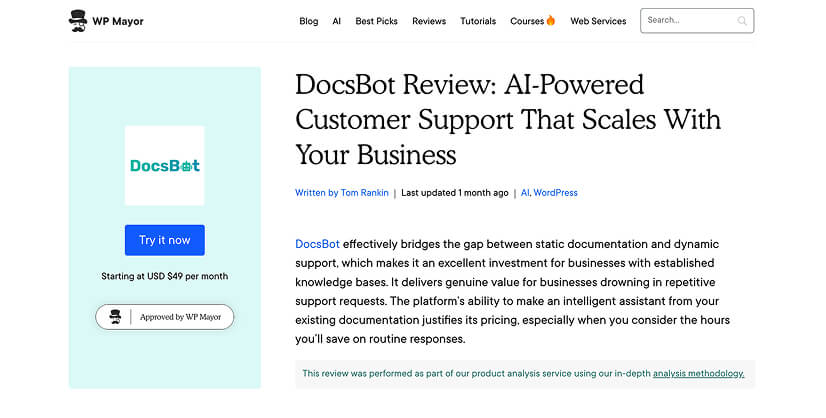
What DocsBot Actually Does
DocsBot is a documentation-based chatbot powered by OpenAI. It ingests your help articles, blog posts, or knowledge base and answers customer questions based on that content, with surprising accuracy.
It works with the latest GPT models, allows granular control of sources, lets you customize prompts and tone, and supports both chat widgets and API use cases.
Our Setup: Step-by-Step
Here’s how we set up DocsBot to automate a significant chunk of our support:
1. Add the Right Sources
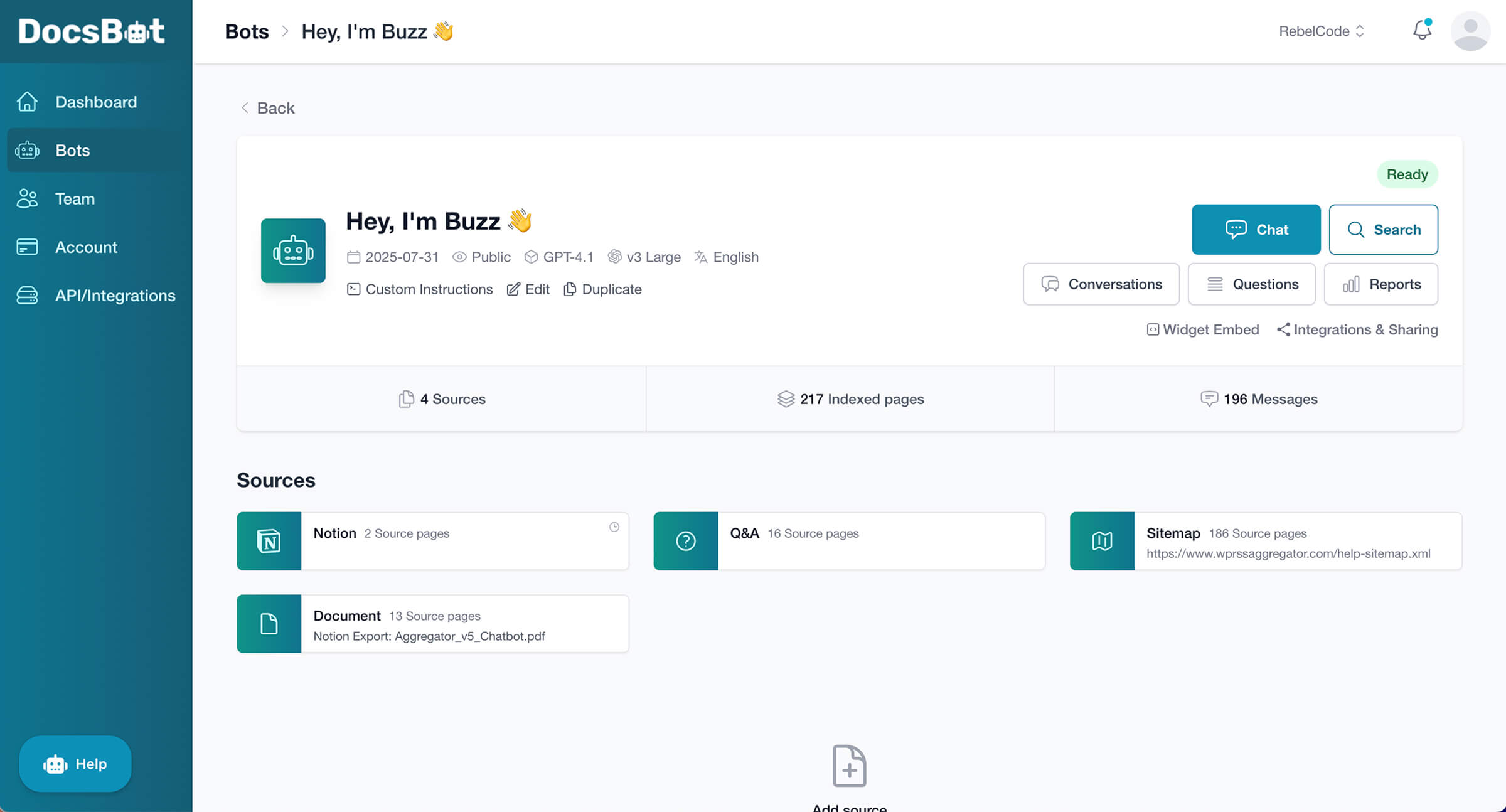
We added four types of sources:
- Our Notion-based internal docs (synced weekly)
- A structured PDF manual
- Our public support site via sitemap
- FAQs with handpicked common questions*
*These FAQs are updated regularly based on real questions from real users.
This gives DocsBot enough context to answer both basic and product-specific questions confidently.
2. Customize the Agent Prompt
We spent time crafting a custom prompt that fits our brand tone, making sure it’s helpful, clear, and as much as possible, never robotic. This gives DocsBot guidance on how to sound and when to escalate.
3. Fine-Tune Its Behavior
We enabled:
- Weekly refresh of our Notion docs
- Public access so we could embed it on our site
- GPT-4.1 model for a balance of speed and reliability*
*The model can be updated over time to always use the best and most appropriate option.
We also tuned the temperature setting to keep answers predictable and concise, without much creativity that could cause the AI to hallucinate or delve into unrelated areas.
4. Embed & Monitor
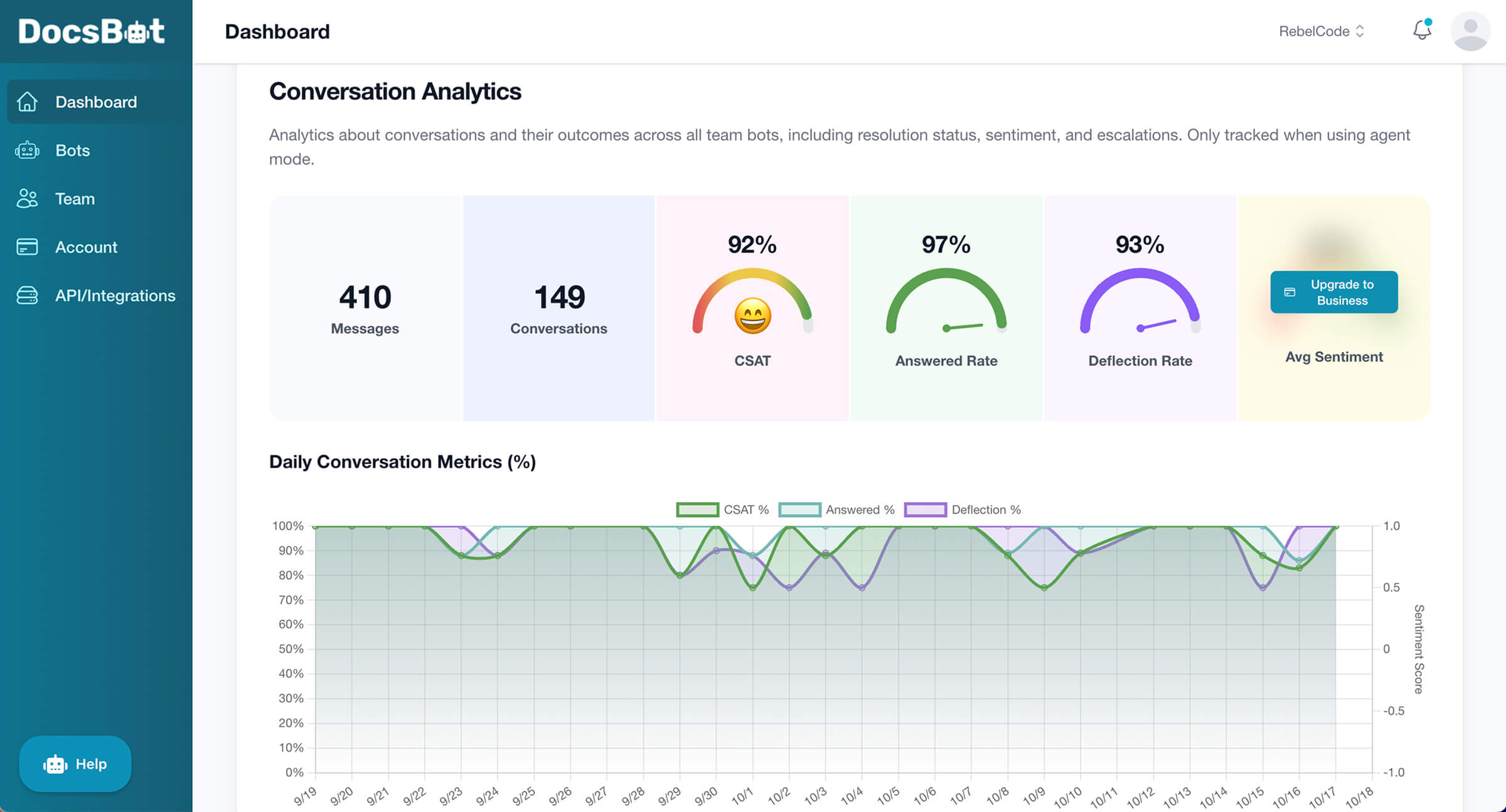
Once live, we monitored results in the analytics dashboard:
- ✅ 99% answer rate
- ✅ 89% CSAT
- ✅ 88% deflection rate
And perhaps most importantly:
“We cut our support time in half within two weeks. Customers get answers faster and our team isn’t buried in email.” – Hendra Setiawan, Support Specialist at RebelCode
What Kinds of Questions It Can Handle
Here are just a few of the real questions our DocsBot has answered:
- Can I schedule content imports?
- How do I troubleshoot image import errors?
It handles everything from pre-sales queries to technical support, as long as the answer exists in the sources we provide.
You can even browse individual conversations and export reports to analyze performance and user behaviour over time.
What It Can’t Do (Yet)
No solution is perfect. DocsBot works best when:
- You keep your sources clean and updated
- You include real user phrasing in your Q&A docs
- You provide fallback contact methods for escalations
It’s not a replacement for high-level support, but it’s an incredible first line of defence.
Pricing Breakdown
Here’s what it costs to get a setup like ours running:
| Tool | Plan | Cost |
|---|---|---|
| DocsBot | Team Plan | $49/month |
| Notion | Free plan | $0 |
| Support Website | WordPress (Varies) | Already running (Varies) |
Want Help Setting Yours Up?
We’ve built this kind of automation for our own products and clients. If you want:
- Your own branded DocsBot chatbot set up and trained
- Integration with your docs, WordPress, Notion, or help site
- Prompt engineering and voice customization
We can do it for you.
Final Thoughts
DocsBot has transformed how we support customers. It’s fast, friendly, and scalable, giving our human team more time to focus on the high-impact questions that do need a personal touch, as well as to contribute to improvements in the product itself.
If you’re running a digital product and drowning in support, don’t sleep on this. Your team (and your inbox) will thank you.
